Home › App
Asal Chat app for Android
The Asal Chat app opens the same chat rooms as this website in a full-screen window made for Android phones. It is free.

The download is being prepared and will appear on this page. Until then, the chat works fully in your browser, on any phone, with nothing to install.
What the app does
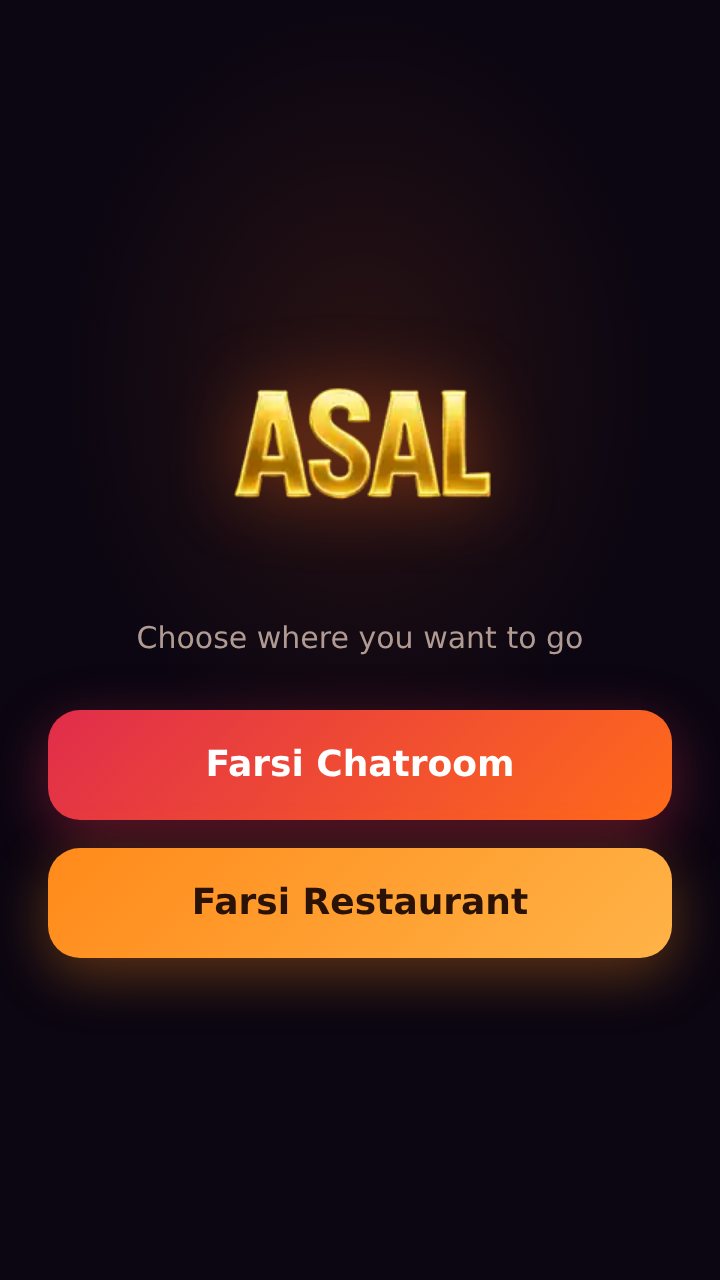
- A start screen with one tap to the chat. No address to type and no browser bars around the page.
- Everything the website can do. Public rooms, private conversations, voice and video messages, stories, the music player, and voice and video calls. The app shows the chat itself, so nothing is missing and nothing is different.
- You stay signed in. Members do not have to enter their password each time they open the app.
- Alerts for private messages. If you turn on message notifications inside the chat, a new private message is announced on your phone while the app is open in the background.
- A clear screen when the connection drops, with a button to try again, instead of a browser error page.
- Update notices. When a newer version is needed, the start screen tells you.
Before a chat room opens, the app may show a short advertisement.
Screenshots
How to install
- On your Android phone, tap Download for Android above. Your browser may ask you to confirm that you want to keep the file.
- Open the downloaded file, from the download notification or from the Downloads folder.
- Android asks whether your browser may install apps. This question appears for every app that does not come from an app store. Tap Settings, allow it for this installation, and go back.
- Tap Install, then Open.
To update, download the new file from this page and install it over the old one. You stay signed in and nothing is lost.
Permissions, and why the app asks for them
| Permission | Used for |
|---|---|
| Internet | Connecting to the chat. Without it the app shows its "Connection lost" screen. |
| Microphone and camera | Voice and video messages and calls. They are used only while you are recording or in a call. |
| Notifications | Announcing a new private message when you have turned message notifications on in the chat. |
| Running in the background | Staying connected for those alerts while you use another app. A small "Asal is connected" notice is shown during that time; it ends when you return to the app, close it, or after six hours. |
| Advertising ID | The app contains Google's advertising component, which may use the phone's advertising ID to show and measure ads. You can reset or delete this ID in your phone's settings. |
The app does not read your contacts, your messages from other apps or your location, and it can attach a photo or a file only when you choose one to send. What the chat service itself stores is described in the privacy policy.
Questions
Is there an app for iPhone?
Not at the moment. On an iPhone or iPad, open this site in Safari; the chat runs in the browser.
Why does Android show a warning when I install it?
Android shows the same warning for any app installed from a file instead of an app store. It does not mean that something is wrong with the file. Install apps this way only from sources you trust, and download Asal Chat only from this page.
Do I need an account?
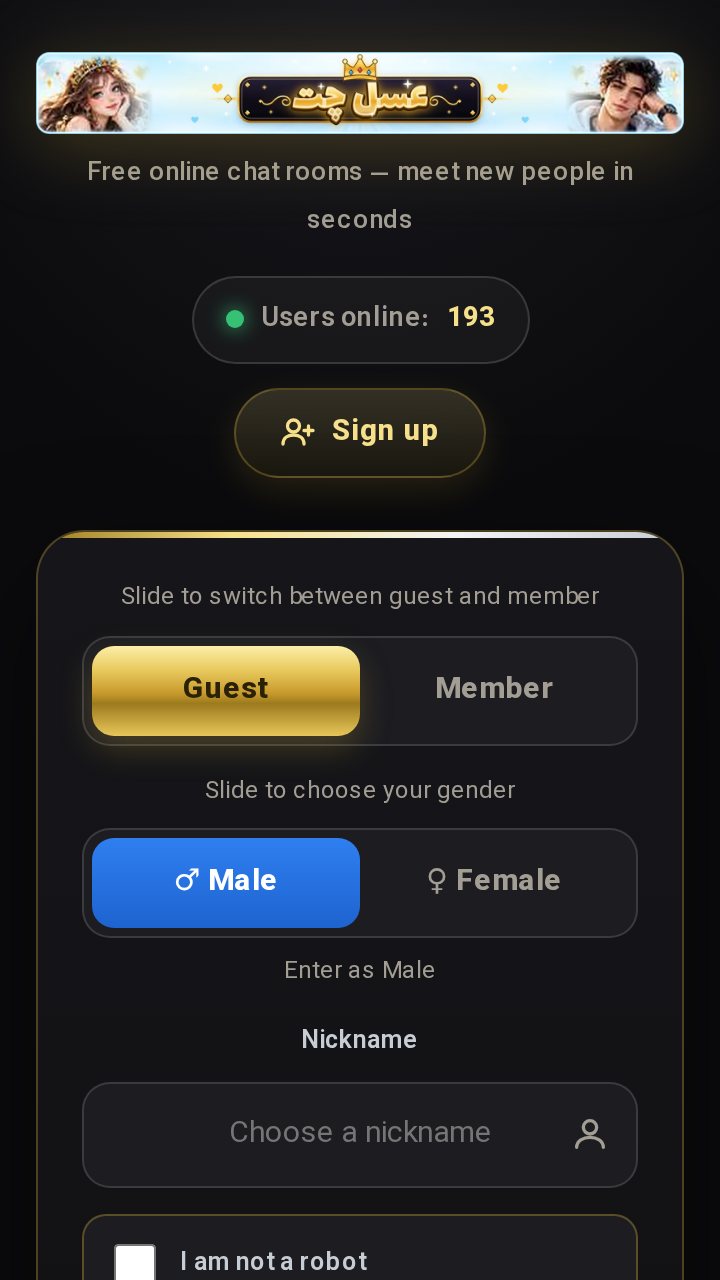
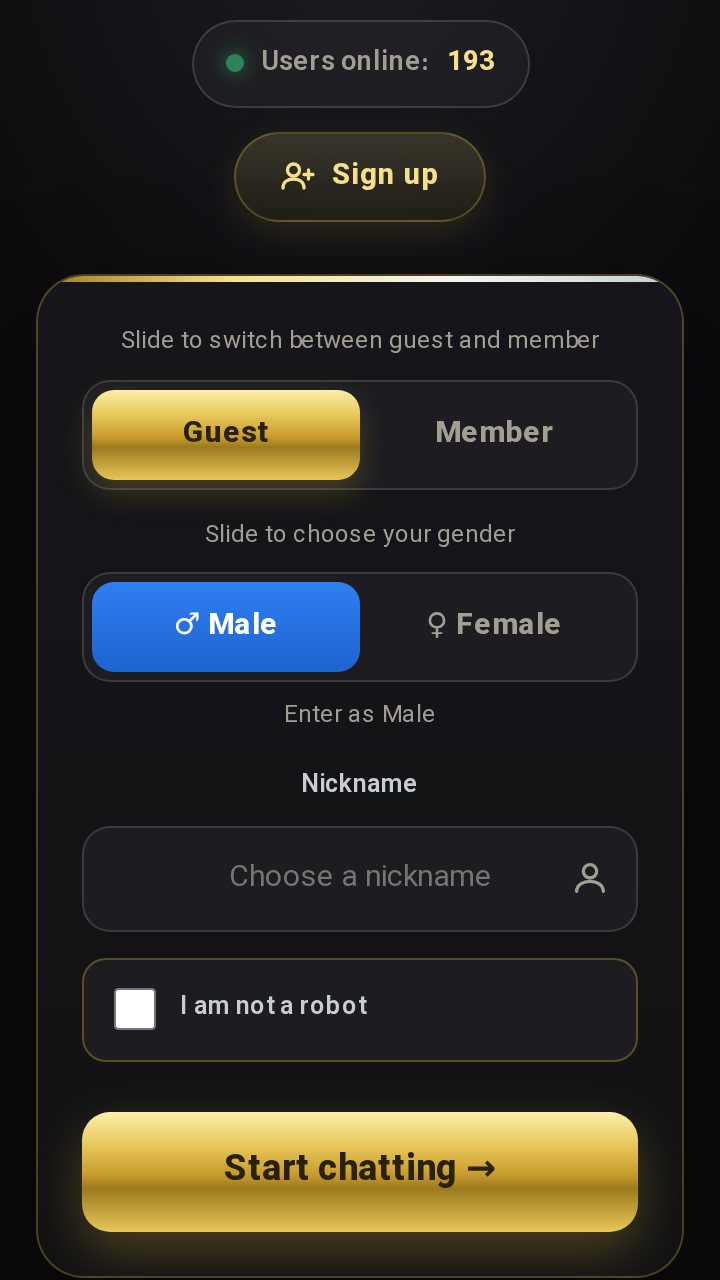
No. You can enter as a guest with a nickname, exactly as on the website. A free member account keeps your name for you; see guest or member.
Calls or voice messages do not work in the app. What can I do?
Check that the app is allowed to use the microphone and camera: open your phone's Settings, then Apps, then Asal, then Permissions. More help is in our call tips.
How do I remove the app?
Press and hold the Asal icon and choose Uninstall, as with any other app. Removing the app does not delete a member account; to delete an account, use the form described on the contact page.
Is the app safe to use?
The same rules, moderation and reporting tools apply in the app as on the website. Our guide to staying safe in chat rooms applies to both.